Restaurant staff scheduling

Theweek’sschedule,fromonelink.

Set how many people you need. Staff send availability without an account. You review the schedule and confirm it.
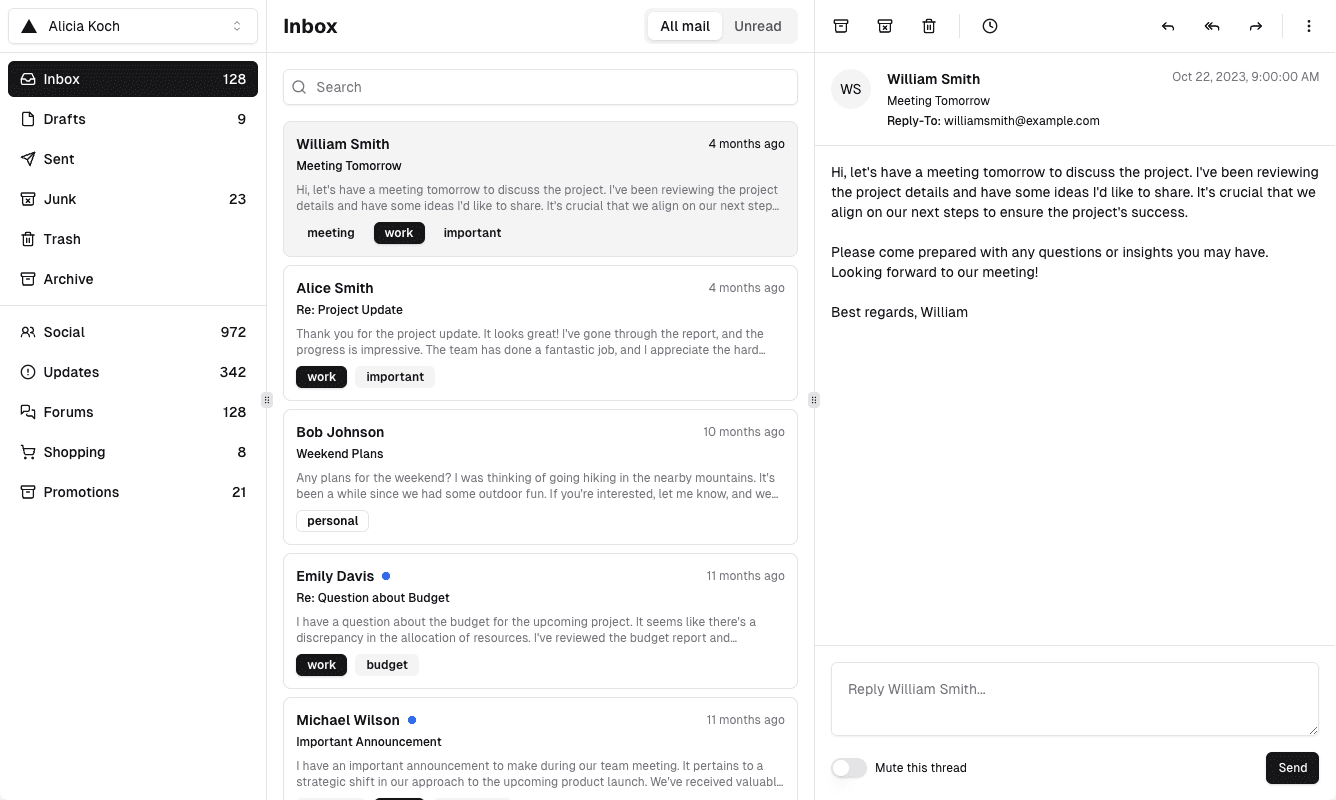
The week’s schedule, from one link.

How it works

Three steps to next week’s rota

    1. Set the requirement

    Pick a branch and say how many people you need for weekday and weekend, day and night.

    2. Share one link

    Staff open it with no account, enter their name and employee ID, and mark when they can work.

    3. Confirm the schedule

    Generate the week, adjust it, and confirm. Staff use the same link to see their shifts.

Product

Built for the way a restaurant actually schedules

    One link for the whole team

    No worker logins, no second link for the result.

    Day and night, weekday and weekend

    Headcount is set per branch, not as a single weekly number.

    Availability with real hours

    Staff choose the days, the shift, and the time range they can work.

    Review before it is final

    Generate the schedule, change it, then confirm. Until you confirm, nothing is published.

FAQ

Questions

Still have questions? Email REPLACE_WITH_REAL_EMAIL

Get started

The week’s schedule, from one link.

Set how many people you need. Staff send availability without an account. You review the schedule and confirm it.